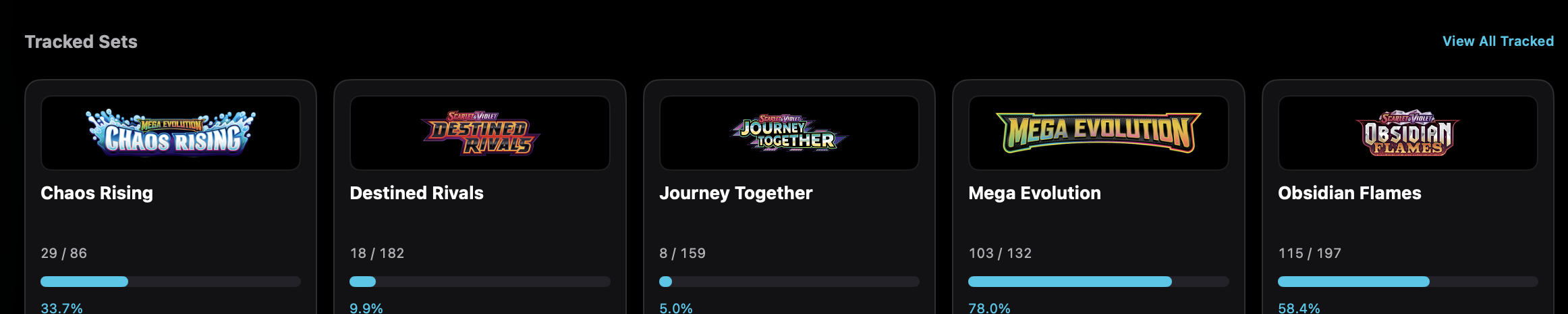
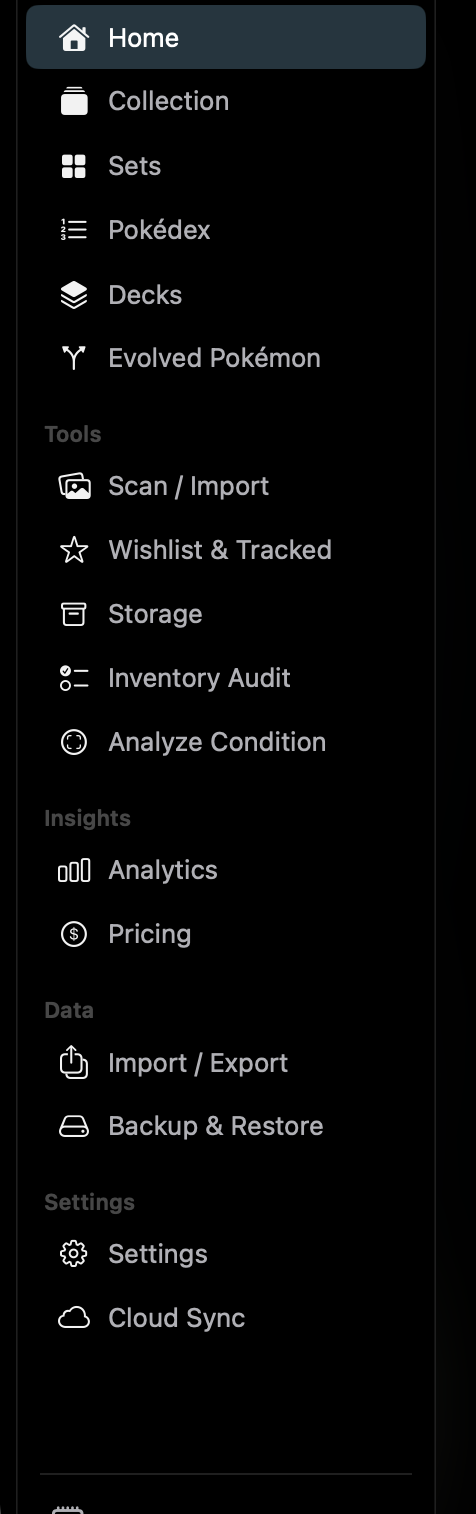
Home is the collection dashboard. Totals, unique cards, set count, estimated value, and recent additions are visible without opening another screen. Added This Week and Added This Month follow genuine collection activity, not copies created when the same records synchronize.
Additional platform screenshots will be added as this guide is expanded.
Key capabilities
Collection totals
Total cards, unique cards, set count, and estimated value. Added This Week and Added This Month sum quantity from genuine collection activity during the current calendar week and calendar month: cards added, quantity increases, imports, and restores. Each event keeps its original time. Synchronizing a collection record that already exists does not create another addition, and replaying the same activity between devices does not count it again. A quantity added on one device and a quantity added on another are included together once both devices have synchronized.
Tracked sets
Set logos, owned/total counts, and completion percentages. View All Tracked opens Wishlist & Tracked.
Recent cards
A strip of recently added card images.
Visual walkthrough
Home
Home shows collection totals, tracked-set progress, and a recent-card strip. Scan / Import is available from the header.
Mac
Collection totals, tracked-set progress, and recently added cards on one dashboard.