Matchers
Visual matching and OCR matching can each be switched on. Experimental ML is separate and was off in the capture.
 Scott's TCG Binder
Recognition helps connect a photo of a physical card to the catalog printing used throughout Scott’s TCG Binder. The application evaluates available visual and text information, produces a candidate match, and keeps you in control by allowing the result to be reviewed before it is committed.
Mac
shot desktop-settings-general · seq 23 · assets/screenshots/original/desktop/0023.png
iPhone
shot iphone-settings · seq 123 · assets/screenshots/original/iphone/settings.png
Additional platform screenshots will be added as this guide is expanded.
Visual matching and OCR matching can each be switched on. Experimental ML is separate and was off in the capture.
The capture shows Visual Index Progress, Recognition Ready, and Images pending.
Card Images and User Scans report size. Clear Recognition Cache is explicit.
Settings → Scanner & Recognition controls identification. Automatic Identification, the confidence threshold, Use visual matching, Use OCR matching, and Use experimental ML are on this screen. Rebuild Visual Index and Clear Recognition Cache are separate actions.
Mac
shot desktop-settings-general · seq 23 · assets/screenshots/original/desktop/0023.png
iPhone
shot iphone-settings · seq 123 · assets/screenshots/original/iphone/settings.png
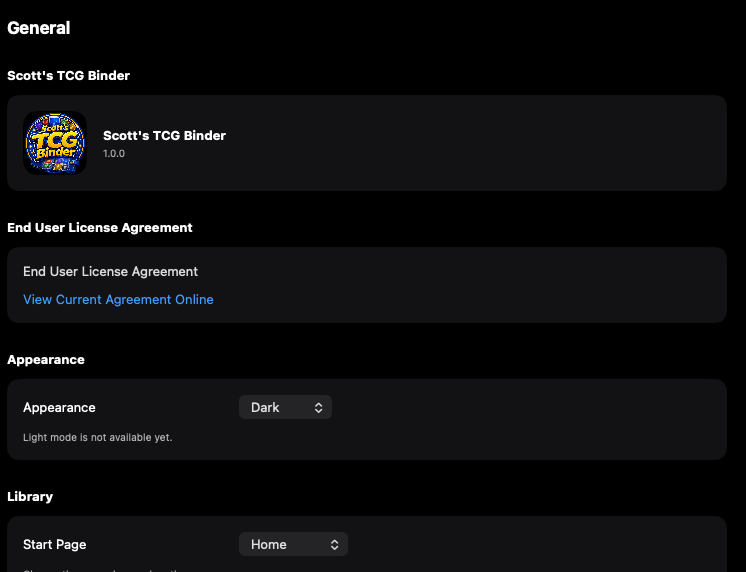
Appearance and the start page are app-wide defaults.
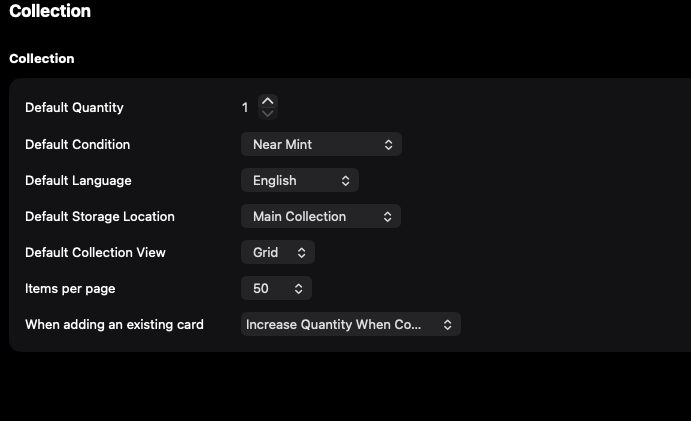
Defaults apply when a card is added, including quantity and condition.
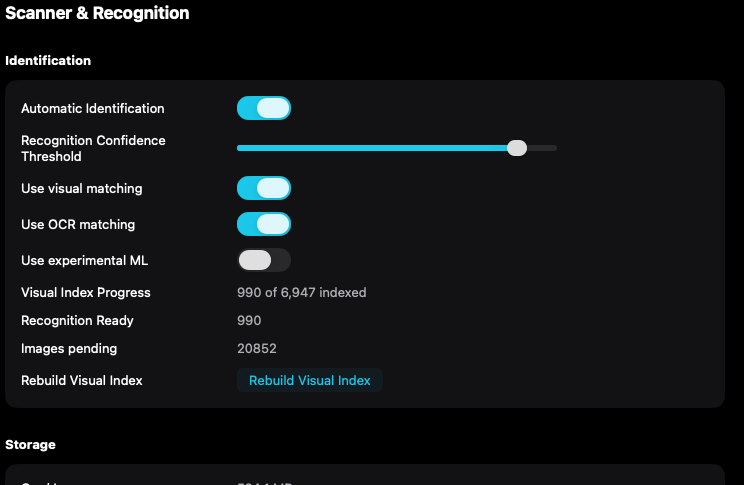
Visual matching and text matching can be reviewed before a scanning session.
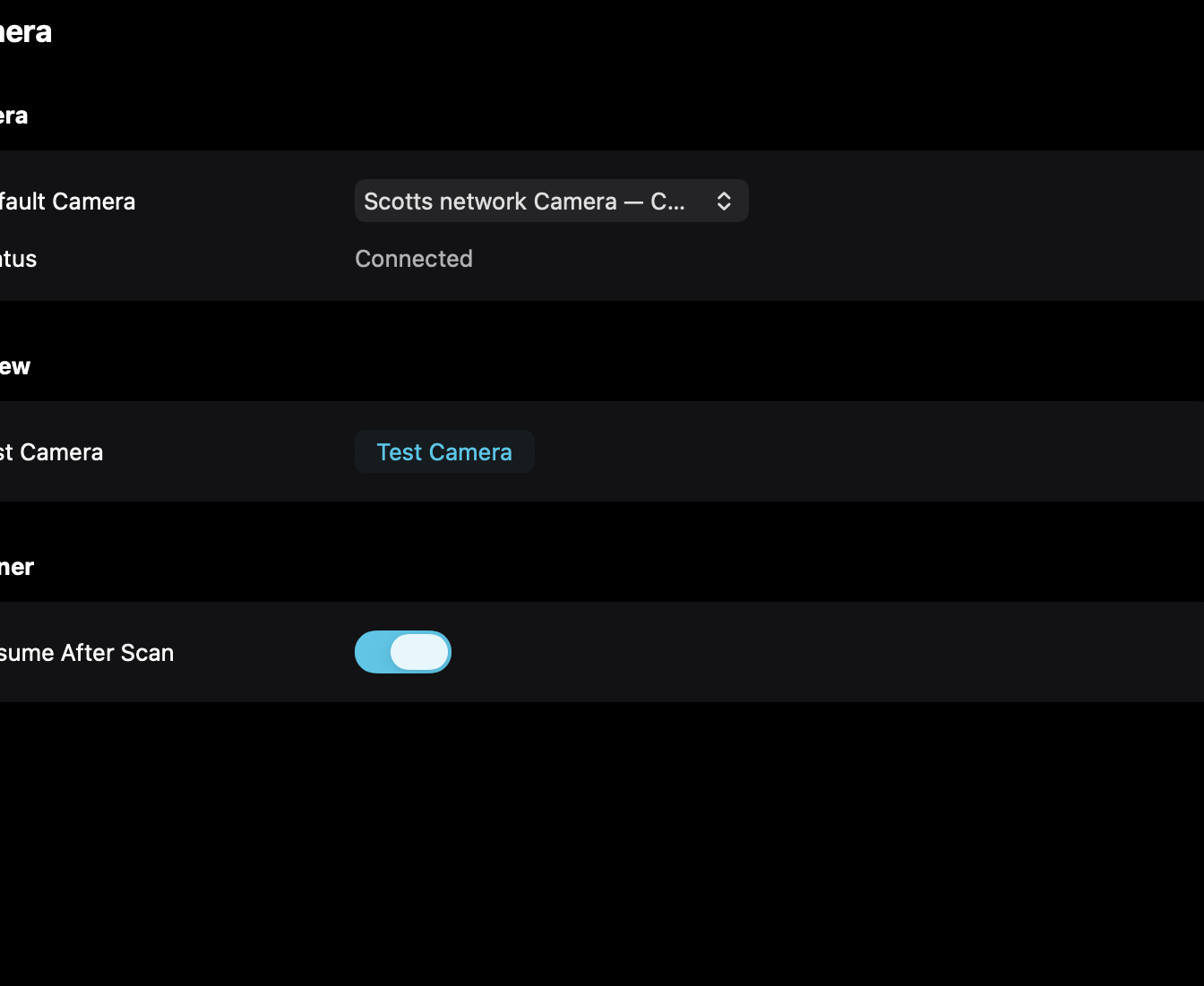
The camera list uses the device name macOS reports, including Continuity Camera.
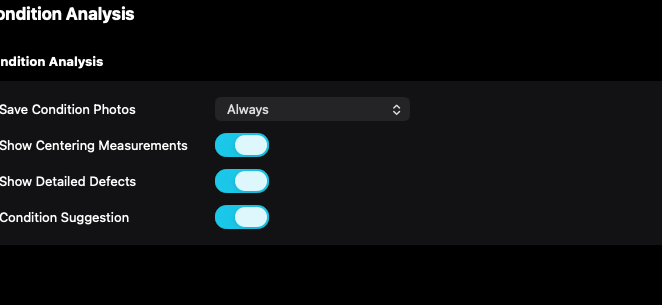
A condition suggestion is separate from the condition saved on the collection record.
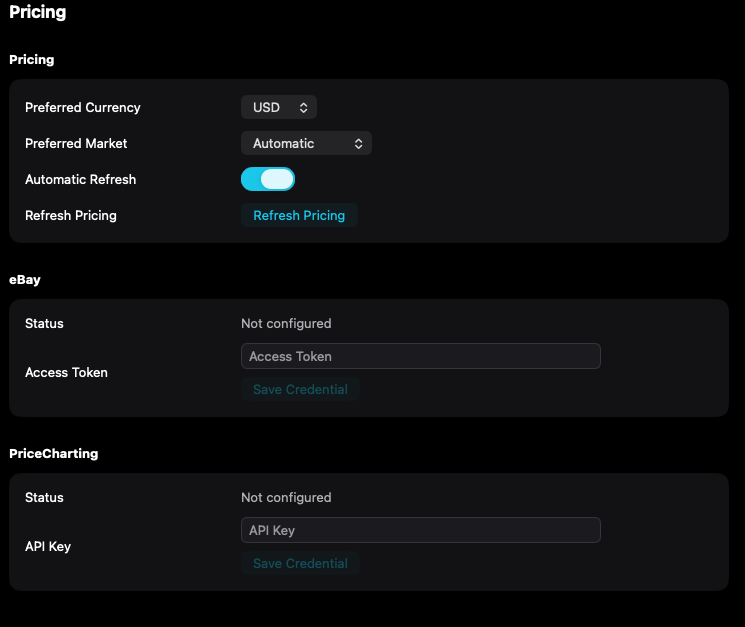
Currency, market, and provider credentials control where available prices come from.
Mac, iPhone, and iPad share the same collection model. Each platform presents those records in a layout that fits its screen.
Settings opens as a sheet. There is no Continuity Camera list on this screen.
Operational steps, controls, and the annotated screen.