Wishlist
Card tiles for wished cards. The capture shows one wished card.
 Scott's TCG Binder
Use the wishlist for individual cards you want to find and tracked sets for larger collecting goals. Because these tools share the same catalog and collection information, Scott’s TCG Binder can show the relationship between what you want, what you already own, and what is still missing.
Mac
shot desktop-wishlist · seq 14 · assets/screenshots/original/desktop/0014.png
iPhone
shot iphone-wishlist · seq 129 · assets/screenshots/original/iphone/wishlist.png
Additional platform screenshots will be added as this guide is expanded.
Card tiles for wished cards. The capture shows one wished card.
Logo, series, owned/total, percent, and Stop Tracking Set.
Two tabs: Wishlist and Tracked. Wishlist shows wished cards and the same pager used elsewhere. Tracked lists sets with completion and Stop Tracking Set. Download Tracked Artwork reports cache progress and offers Download Missing.
Mac
shot desktop-wishlist · seq 14 · assets/screenshots/original/desktop/0014.png
iPhone
shot iphone-wishlist · seq 129 · assets/screenshots/original/iphone/wishlist.png
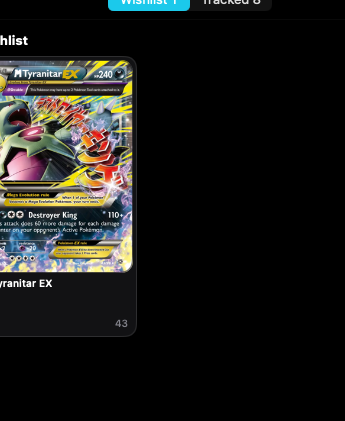
A wishlist card is one printing you want, not a whole set.
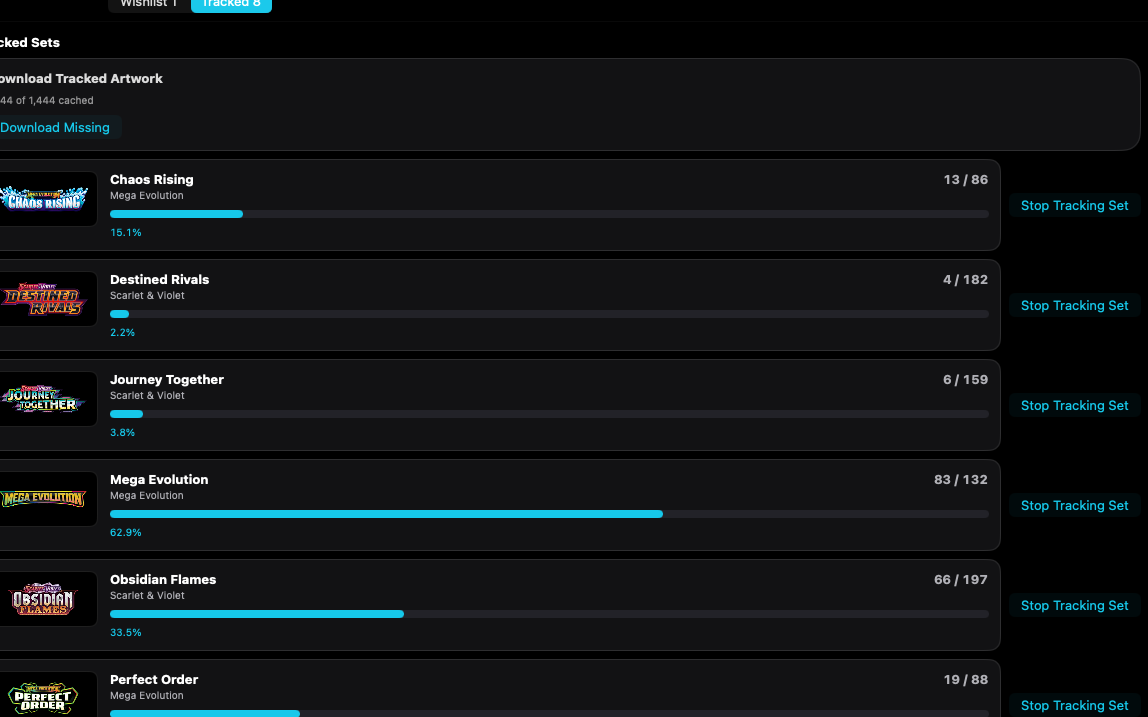
Each tracked set shows owned count, completion, and Stop Tracking Set.
Mac, iPhone, and iPad share the same collection model. Each platform presents those records in a layout that fits its screen.
Wishlist and Tracked are a segmented control.
Operational steps, controls, and the annotated screen.