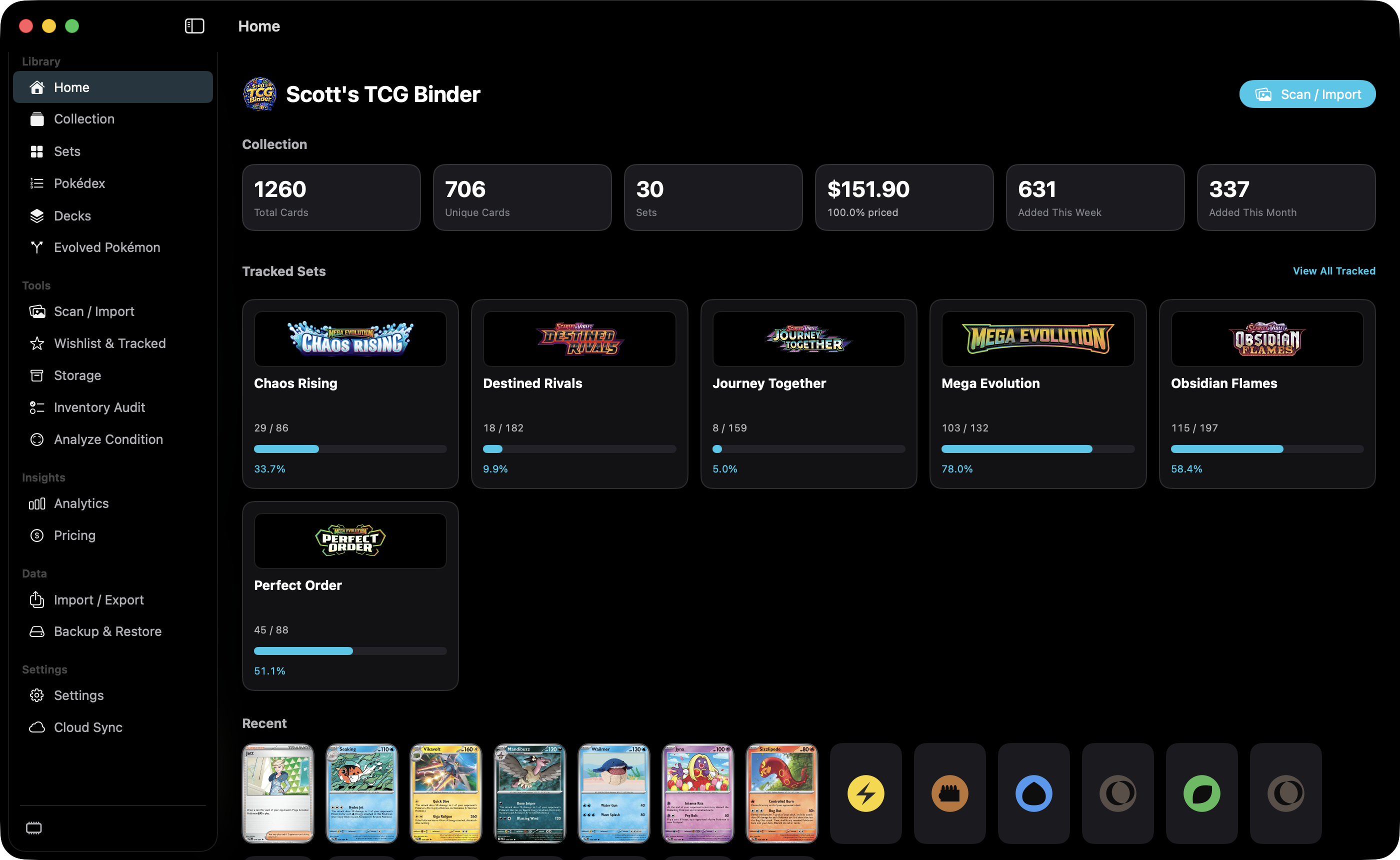
Home
Home summarizes counts, estimated value, tracked-set progress, and cards added this week and this month.
Open Home Scott's TCG Binder
Scott’s TCG Binder is organized around the collection rather than a collection of disconnected tools.
Take a tour through the major workflows: add cards, review what you own, explore sets, understand collection value, find missing cards, organize physical storage, and move between Mac and iPhone views.
Home summarizes counts, estimated value, tracked-set progress, and cards added this week and this month.
Open HomeOnce a card is confirmed, it becomes part of the same collection used throughout sets, analytics, storage, pricing, and completion tracking.
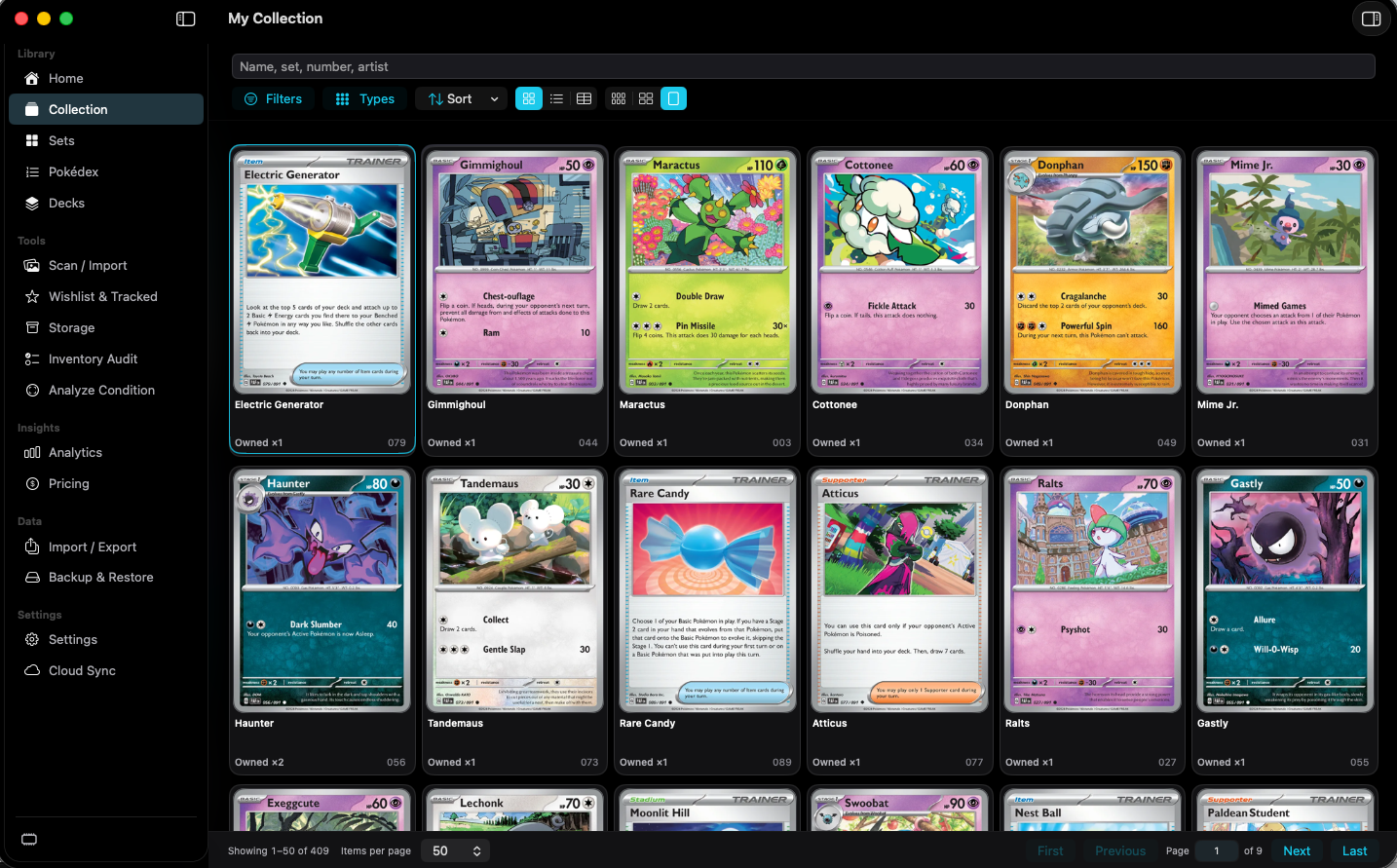
Search, filter, and inspect the cards you own, including quantity and the details that belong to each copy.
Open Collection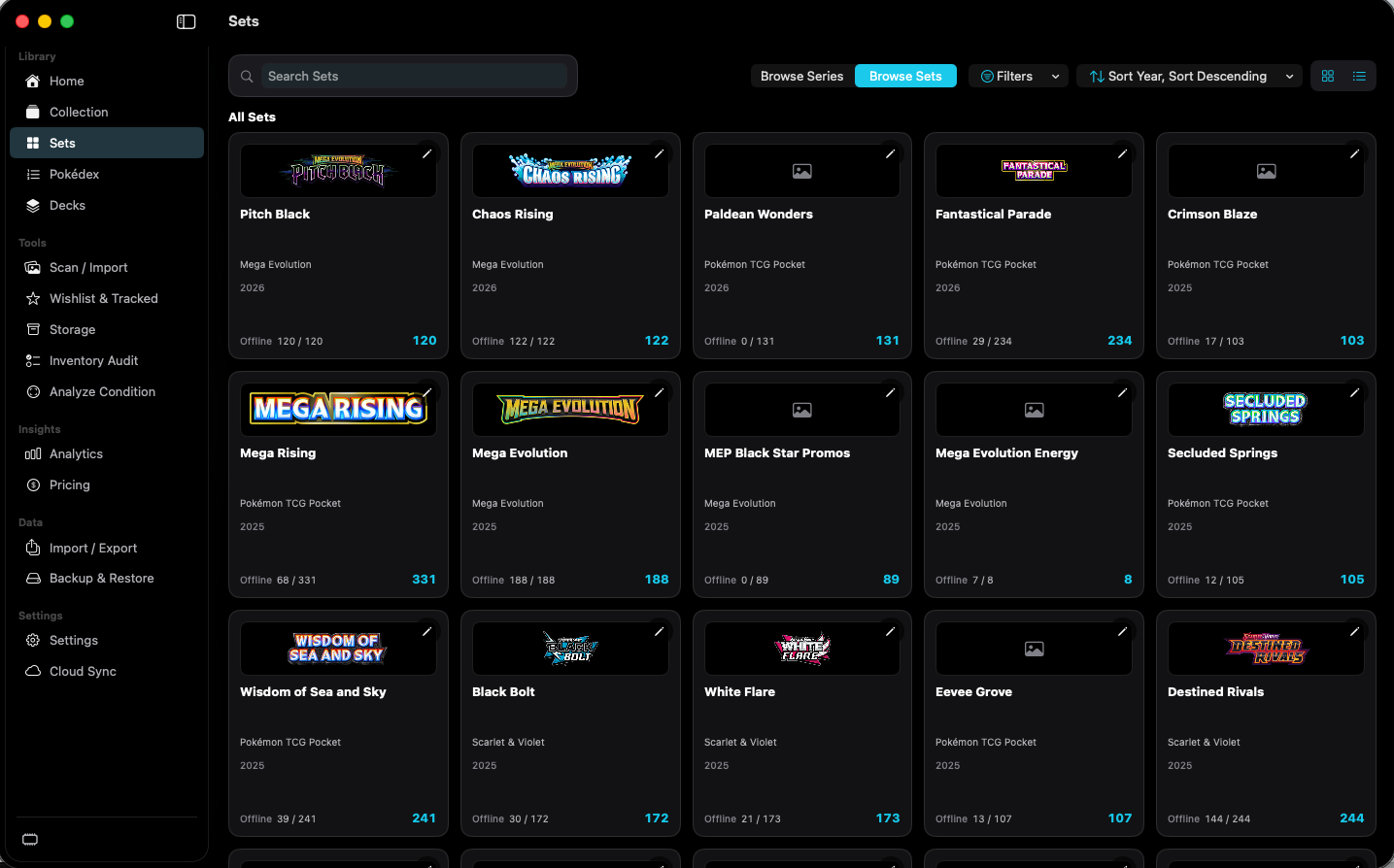
Browse series and sets, then compare each checklist with the cards you own.
Open Sets & Series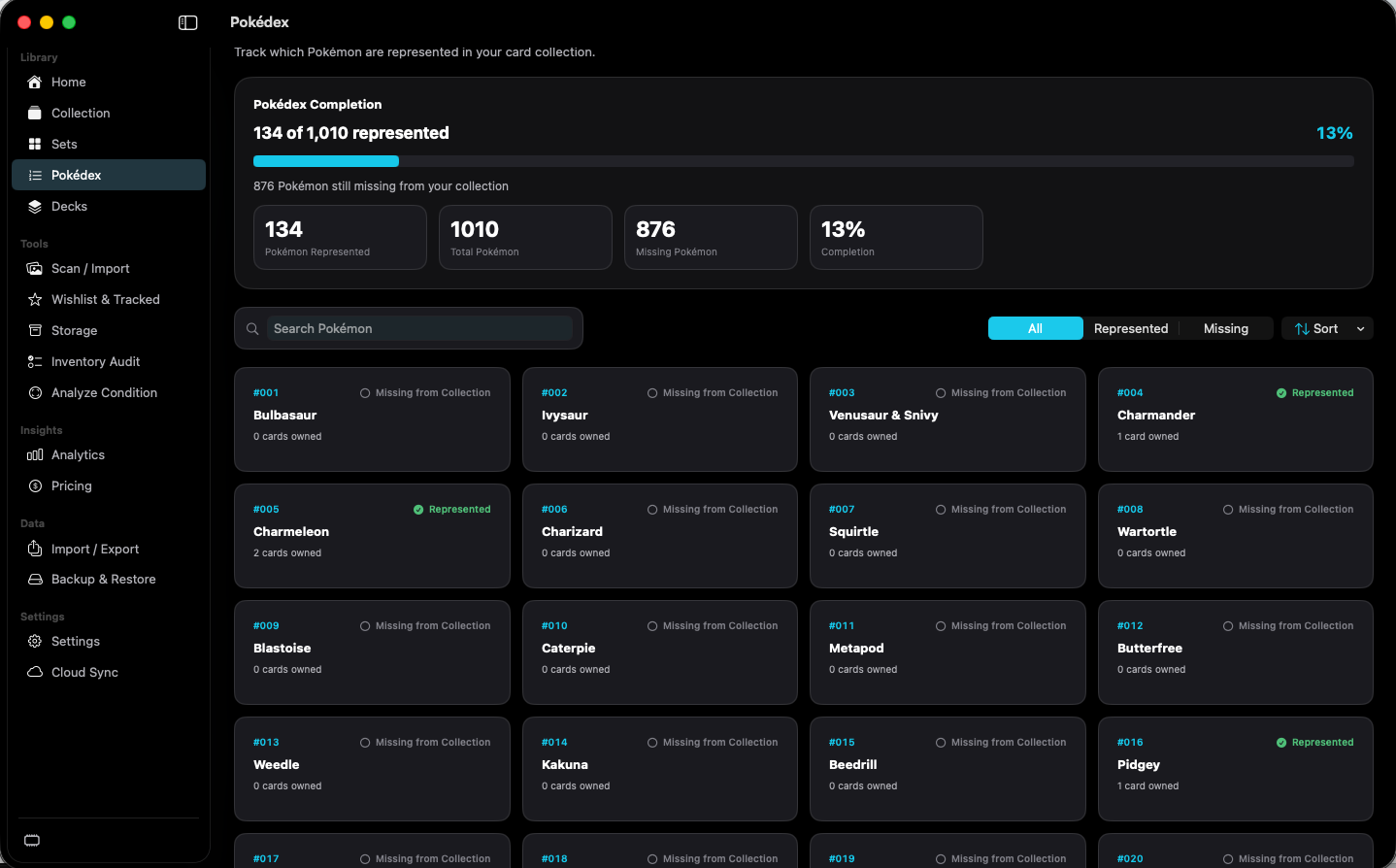
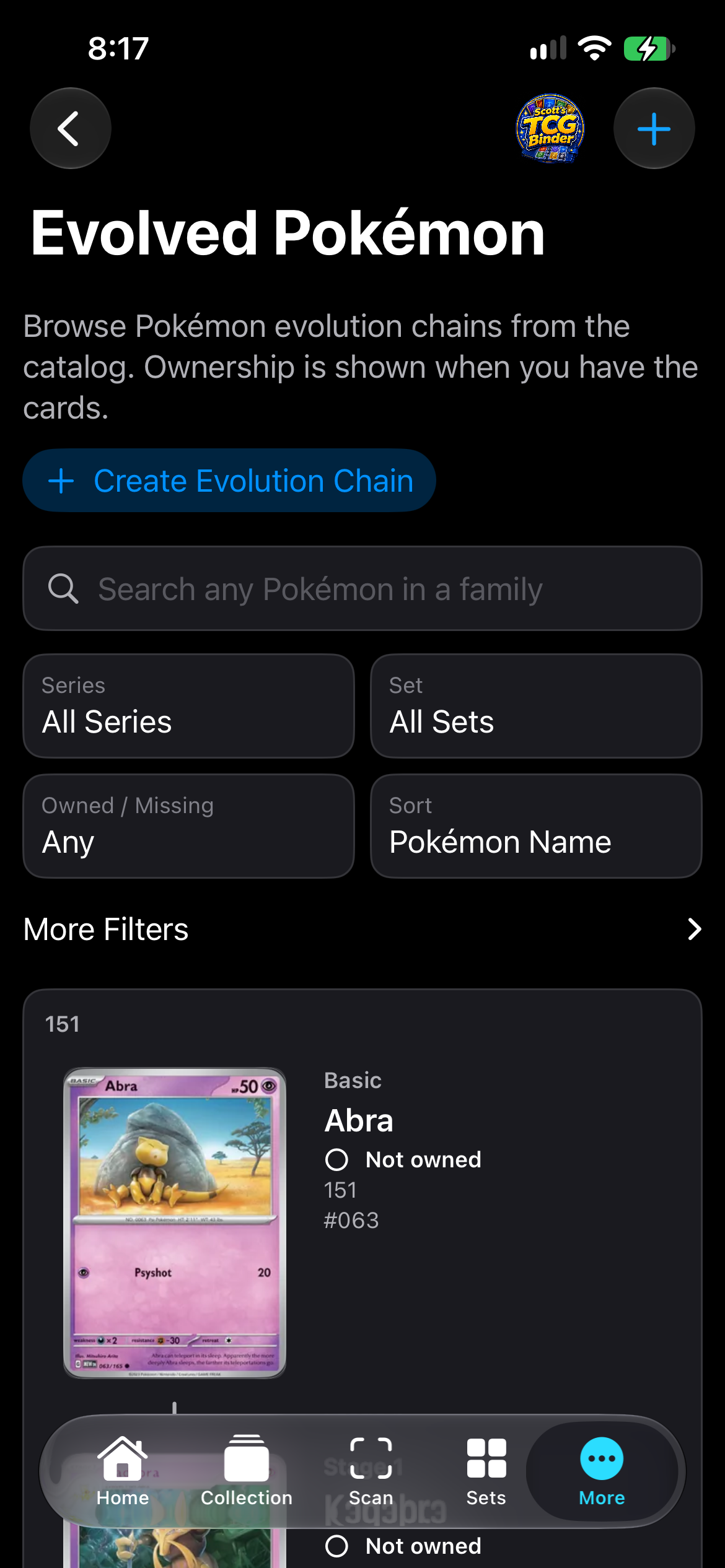
Browse same-set evolution chains in Basic, Stage 1, and Stage 2 order.
Open Evolved Pokémon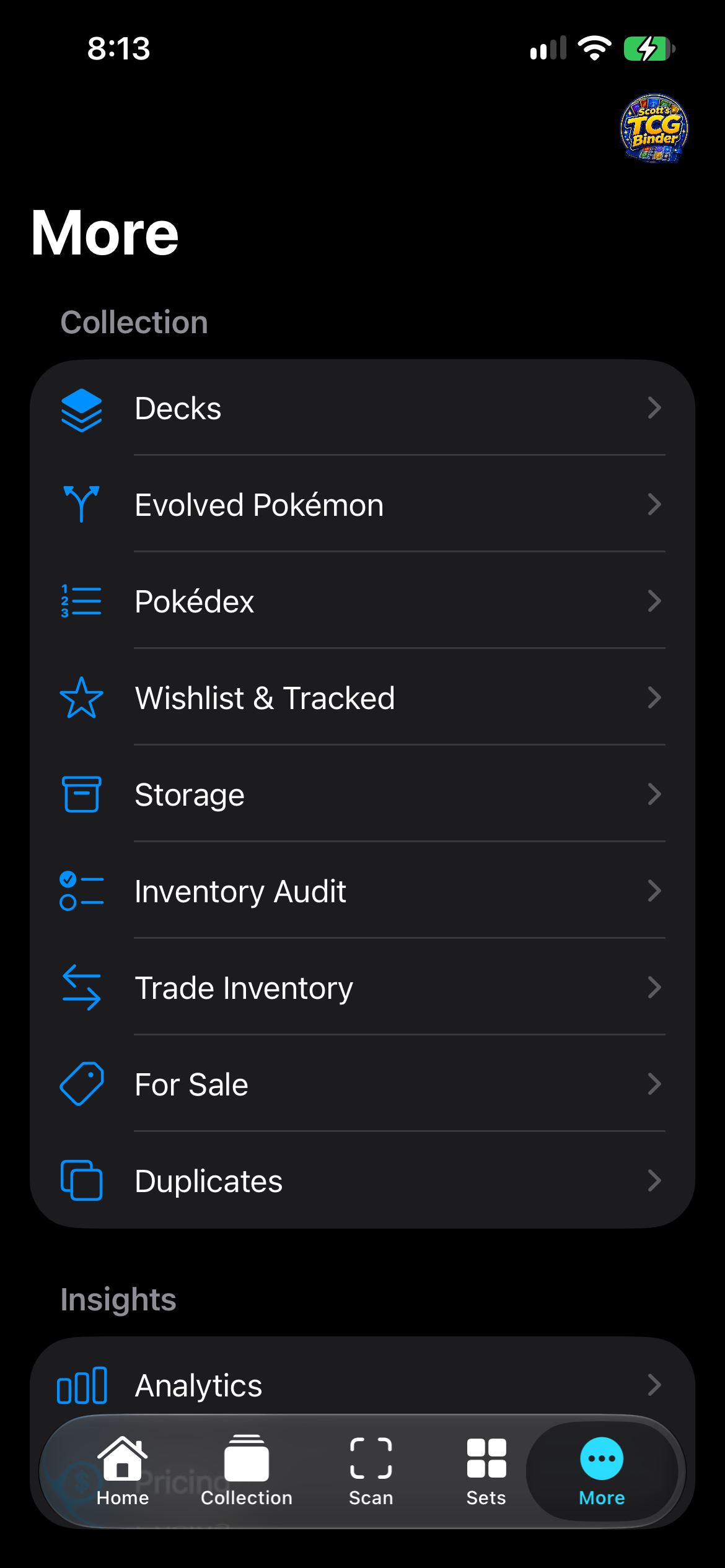
More holds Decks, Evolved Pokémon, Pokédex, Wishlist, Storage, Analytics, Pricing, export, backup, Settings, and Cloud Sync.
Open More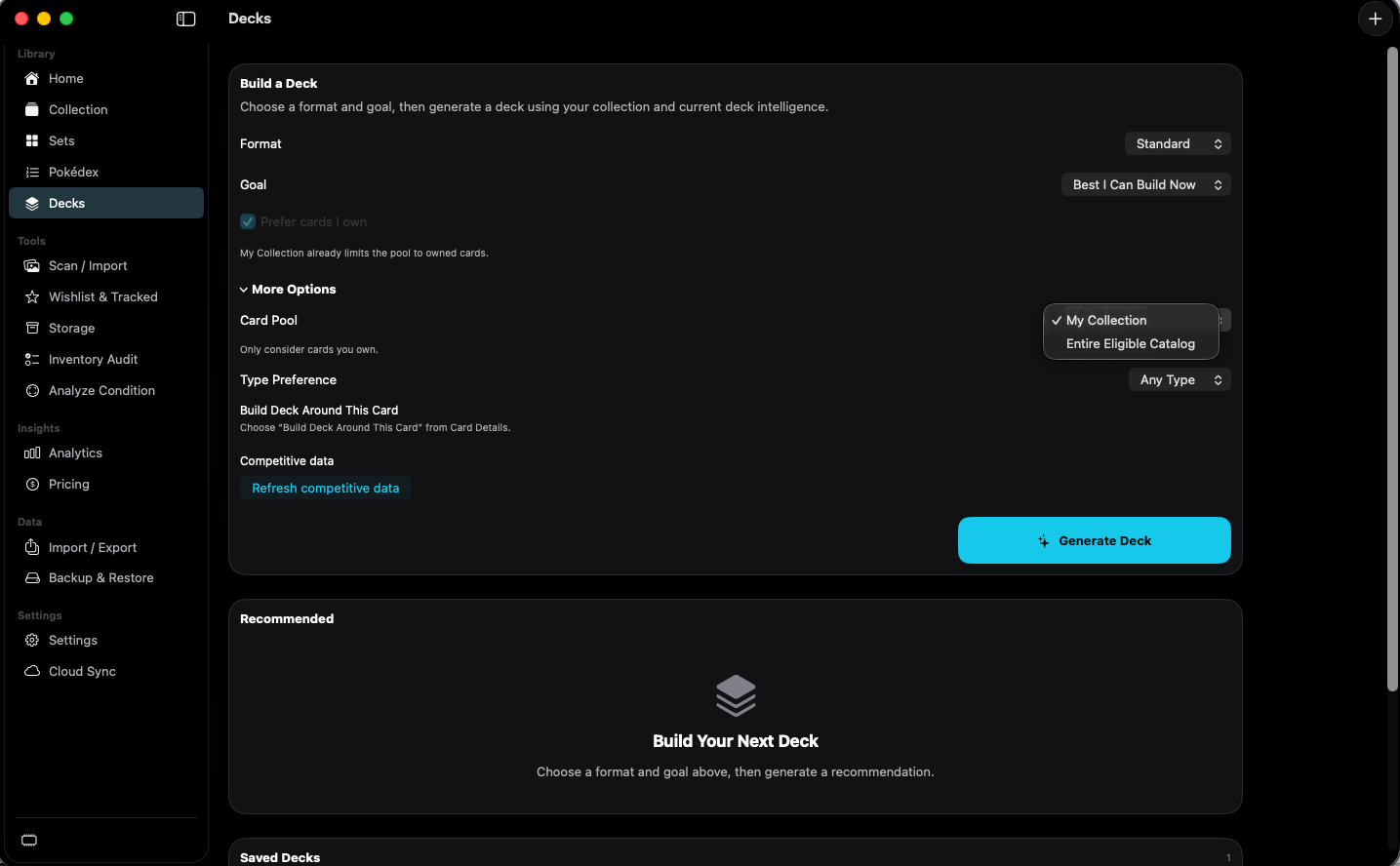
Assemble a deck from a format, a goal, and either your collection or the eligible catalog.
Open Decks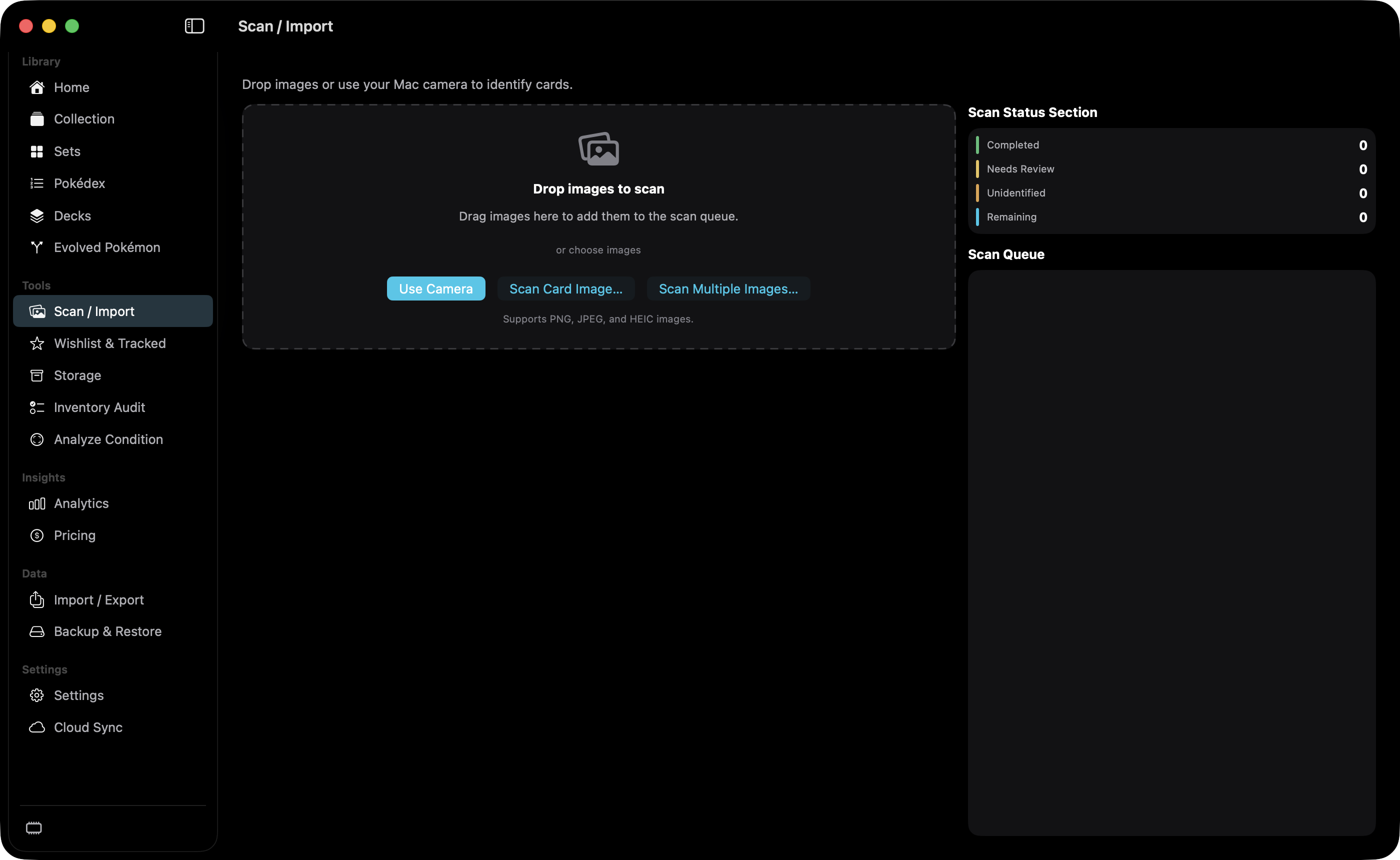
Capture a card or import an image, review the catalog match, and add it to the collection.
Open Scan / Import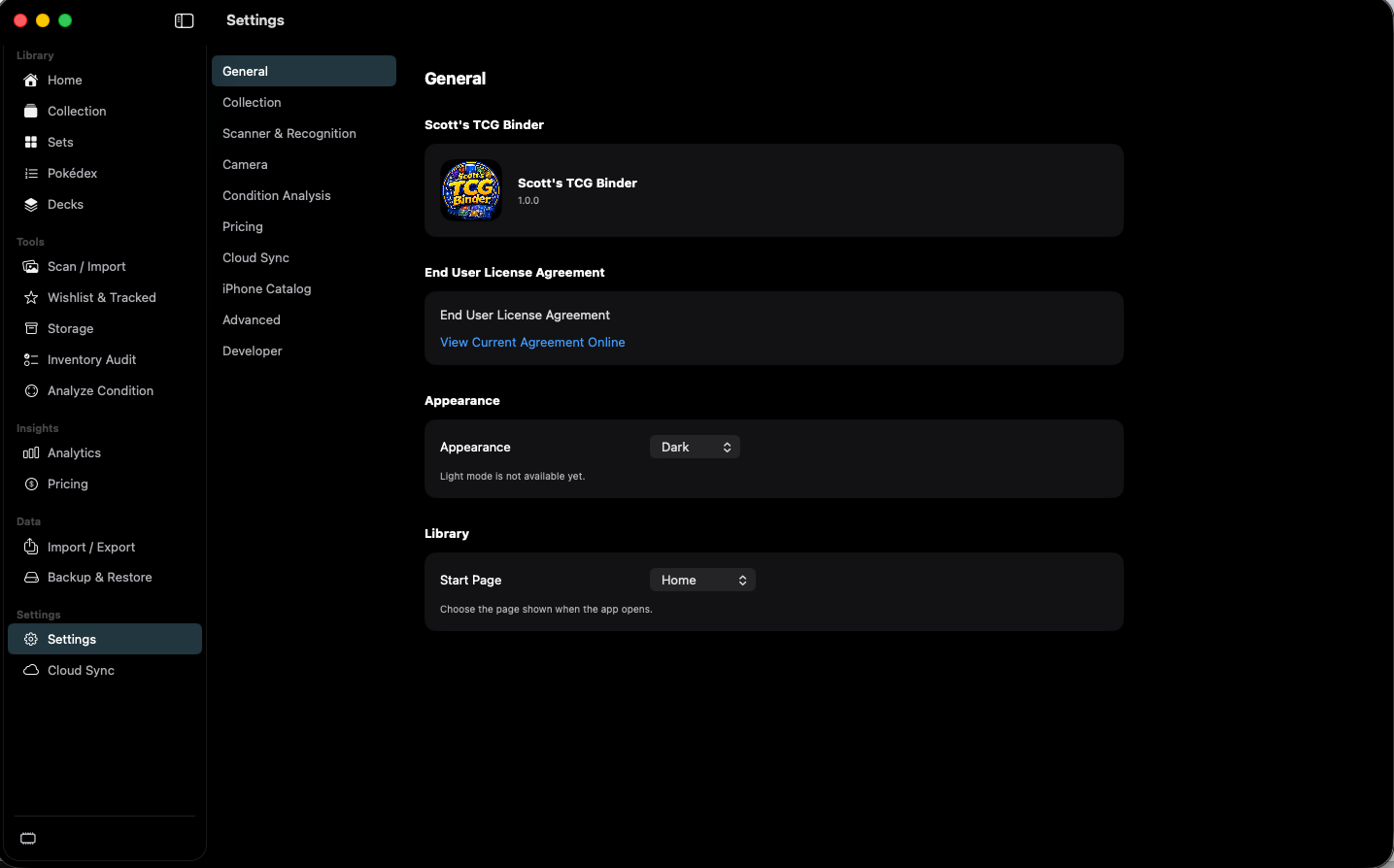
Recognition proposes a catalog printing from the photo and available text, and waits for you to confirm it.
Open Recognition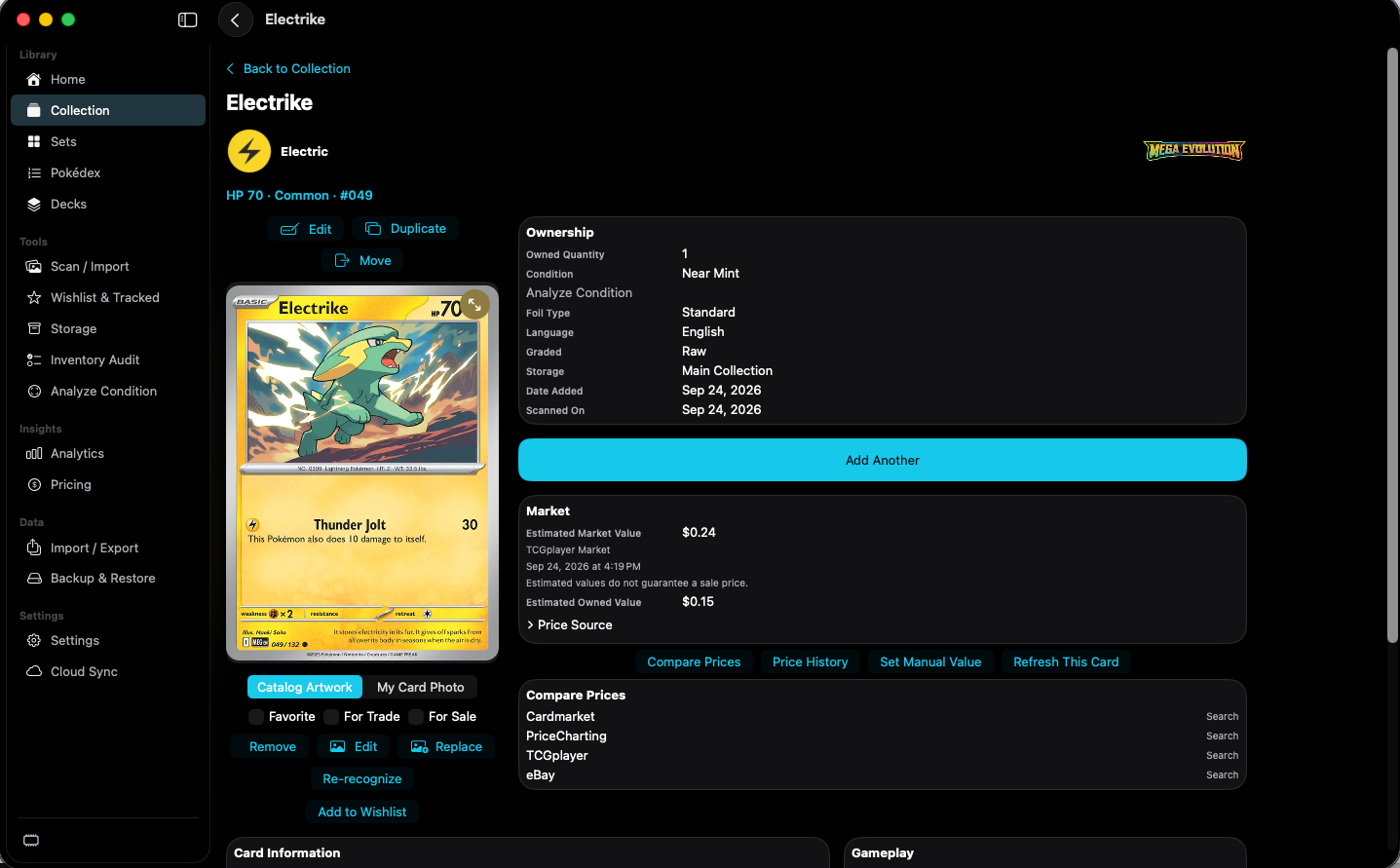
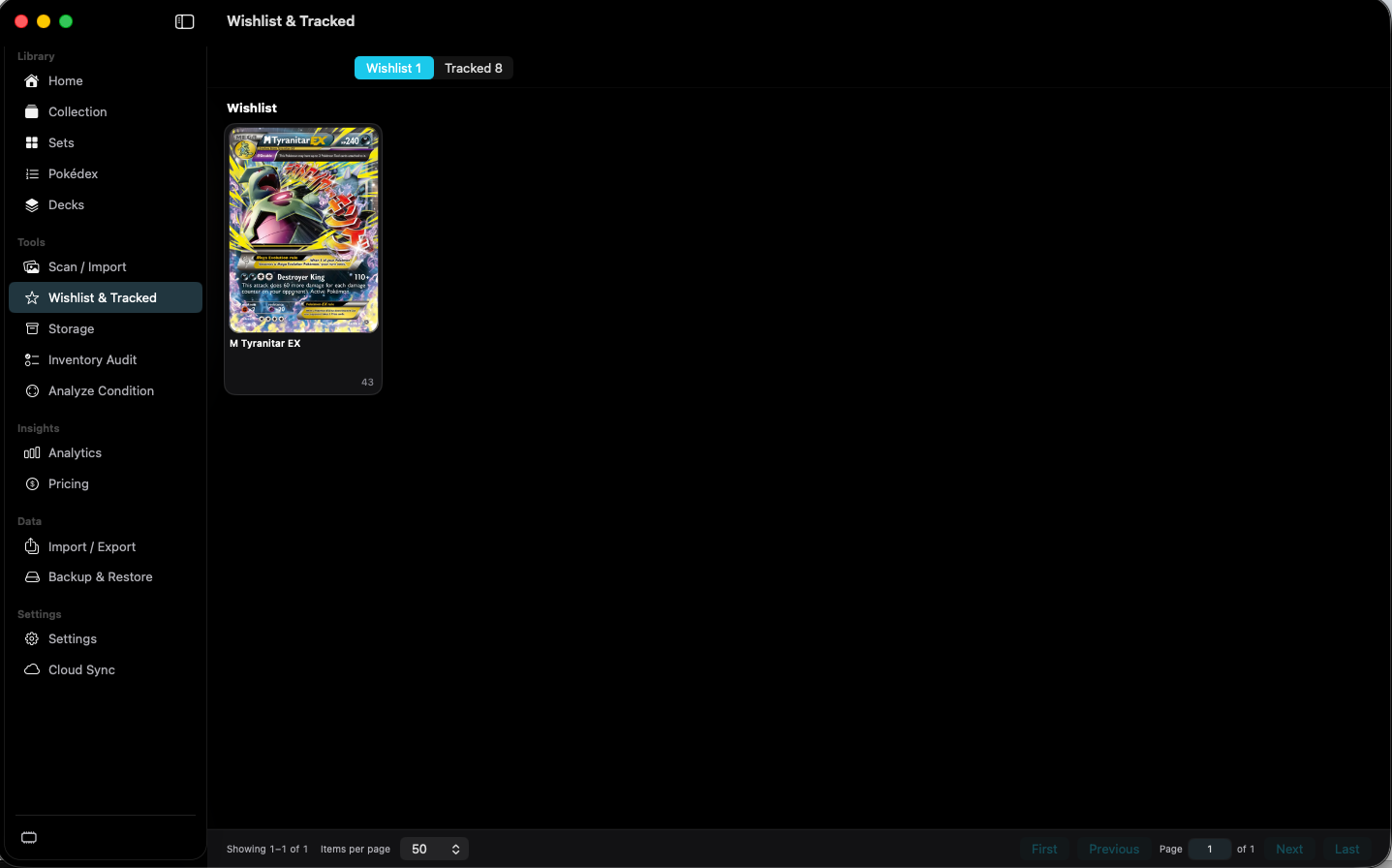
Keep individual wanted cards on the wishlist and broader goals on tracked sets.
Open Wishlist & TrackedThe same collection records can point back to the binder, box, or other place where the physical card is kept.
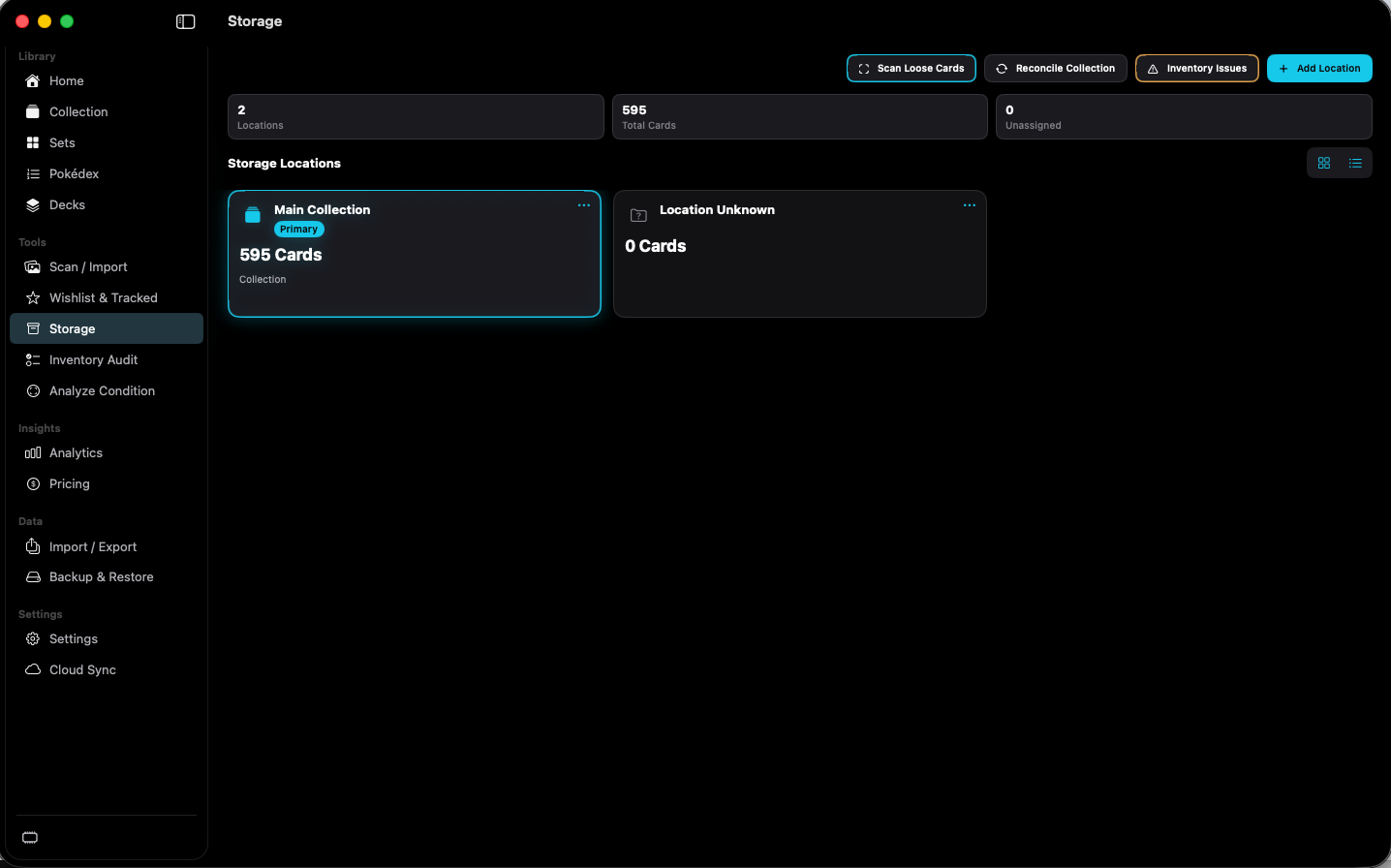
Associate collection records with the binders, boxes, and other places you define.
Open StorageAs the collection grows, Analytics turns those individual card records into a broader view of activity, value, duplicates, completion, and collecting goals.
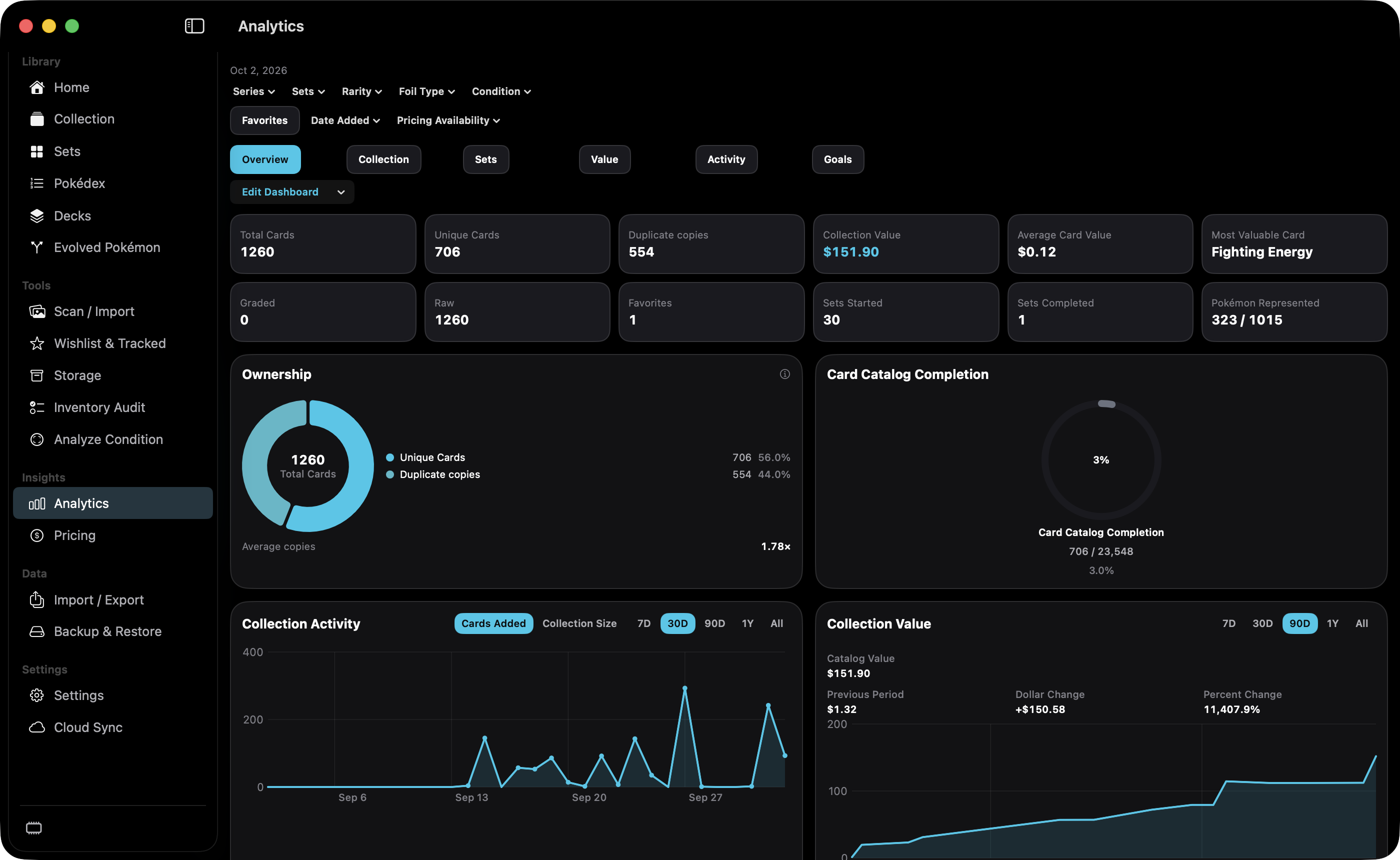
Follow additions, estimated value, set completion, missing cards, and other collection trends.
Open Analytics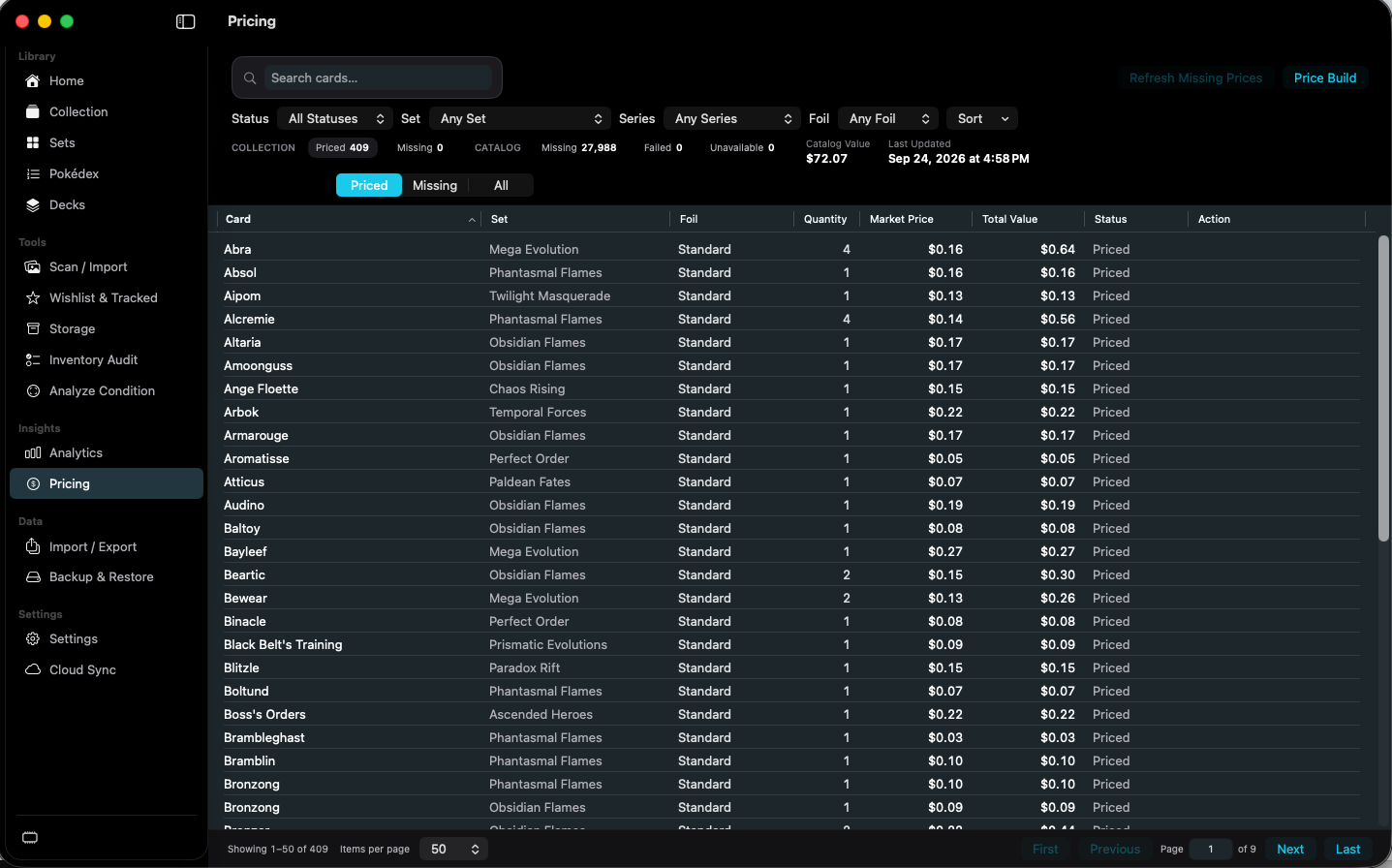
See estimated card values, how quantity contributes, and which cards have no current pricing.
Open Pricing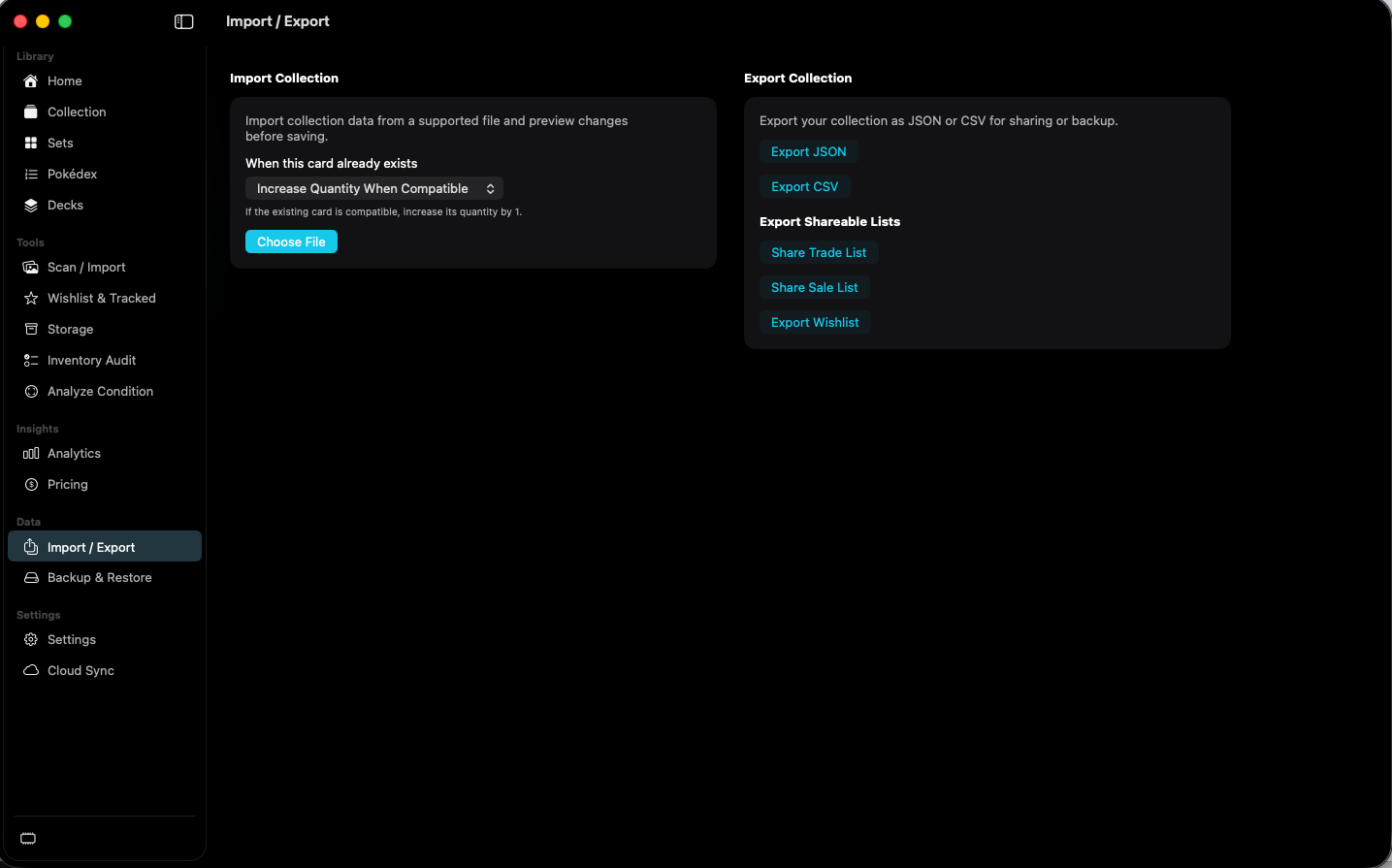
Import a supported collection file, or export JSON, CSV, and shareable lists.
Open Import & Export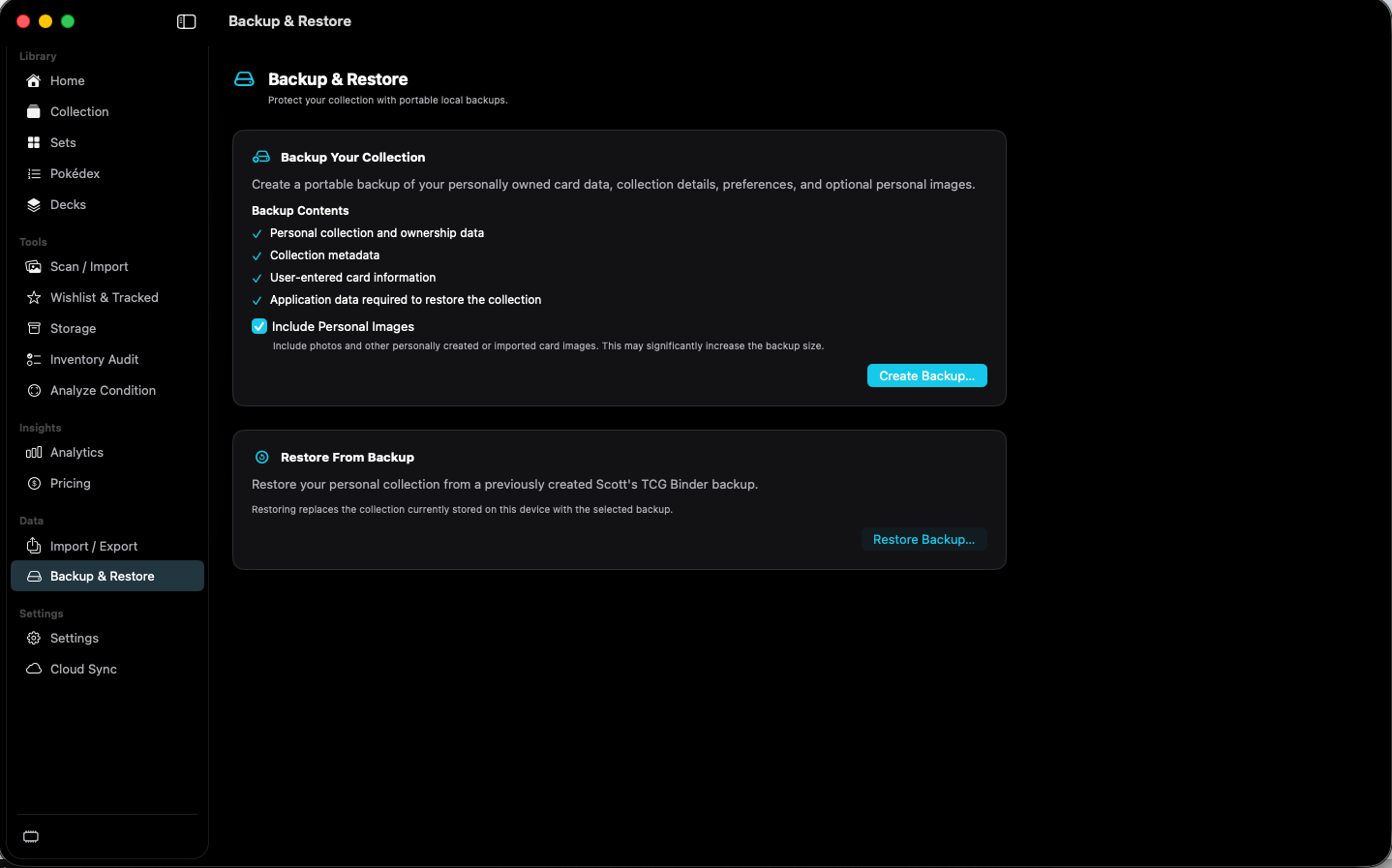
Create a recovery copy of supported local data. Restore replaces the collection on this device.
Open Backup & RestoreSupported personal collection records can stay aligned across Mac, iPhone, and iPad. The local catalog stays on each device.
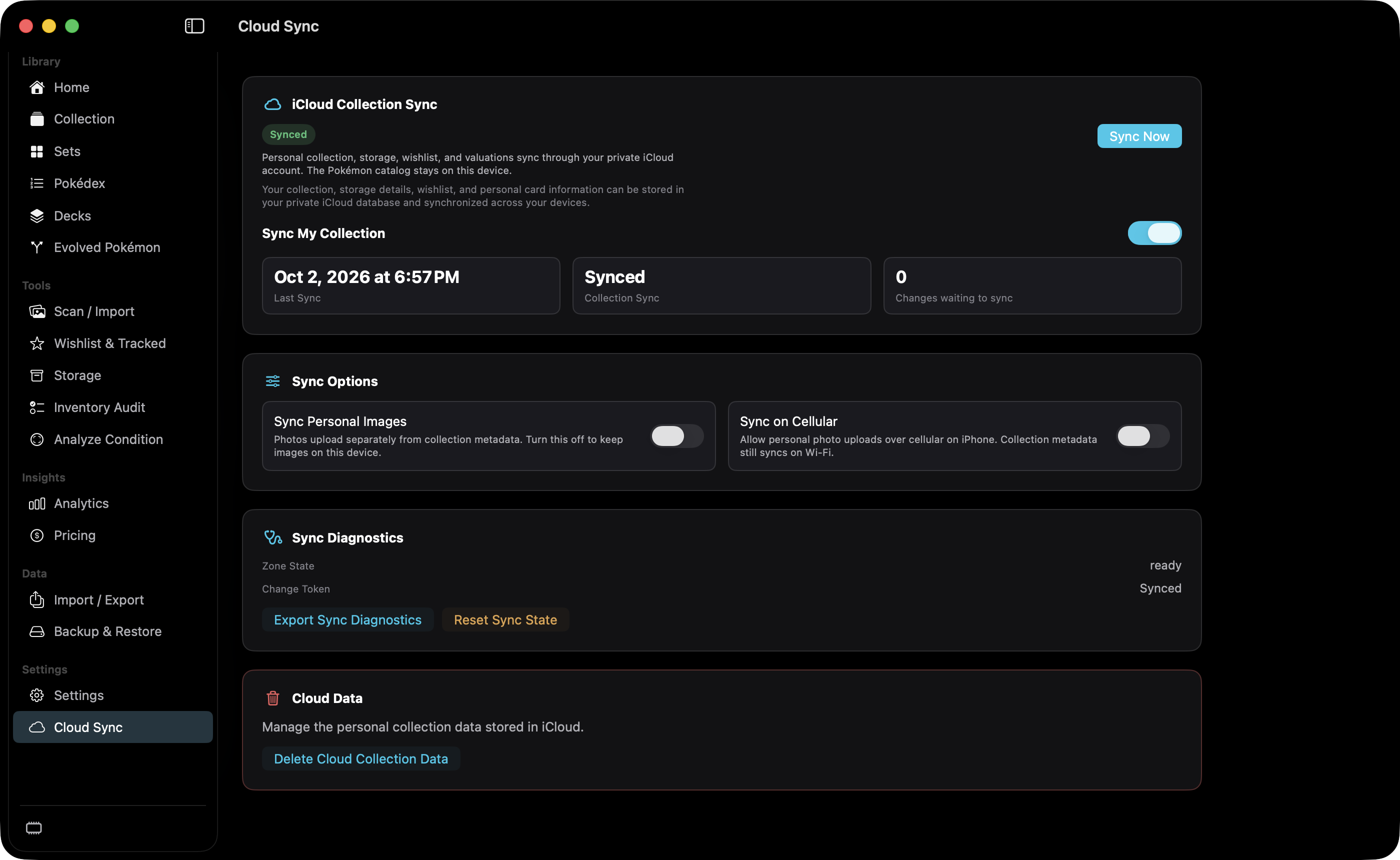
Synchronize supported personal collection records through your private iCloud account. The catalog stays on the device.
Open Cloud SynciPhone Catalog syncs the local catalog and can sync the personal collection without iCloud.
Open iPhone CatalogSettings covers appearance, collection defaults, scanner, camera, condition, pricing, sync, and maintenance.
Open Settings