Wishlist and Trackedtabs
Switches between wished cards and tracked sets.
The capture shows Wishlist 1 and Tracked 8.
 Scott's TCG Binder
Wishlist stores individual wanted cards. Tracked stores sets you are following.
Wishlist stores individual wanted cards. Tracked stores sets you are following.
Mac
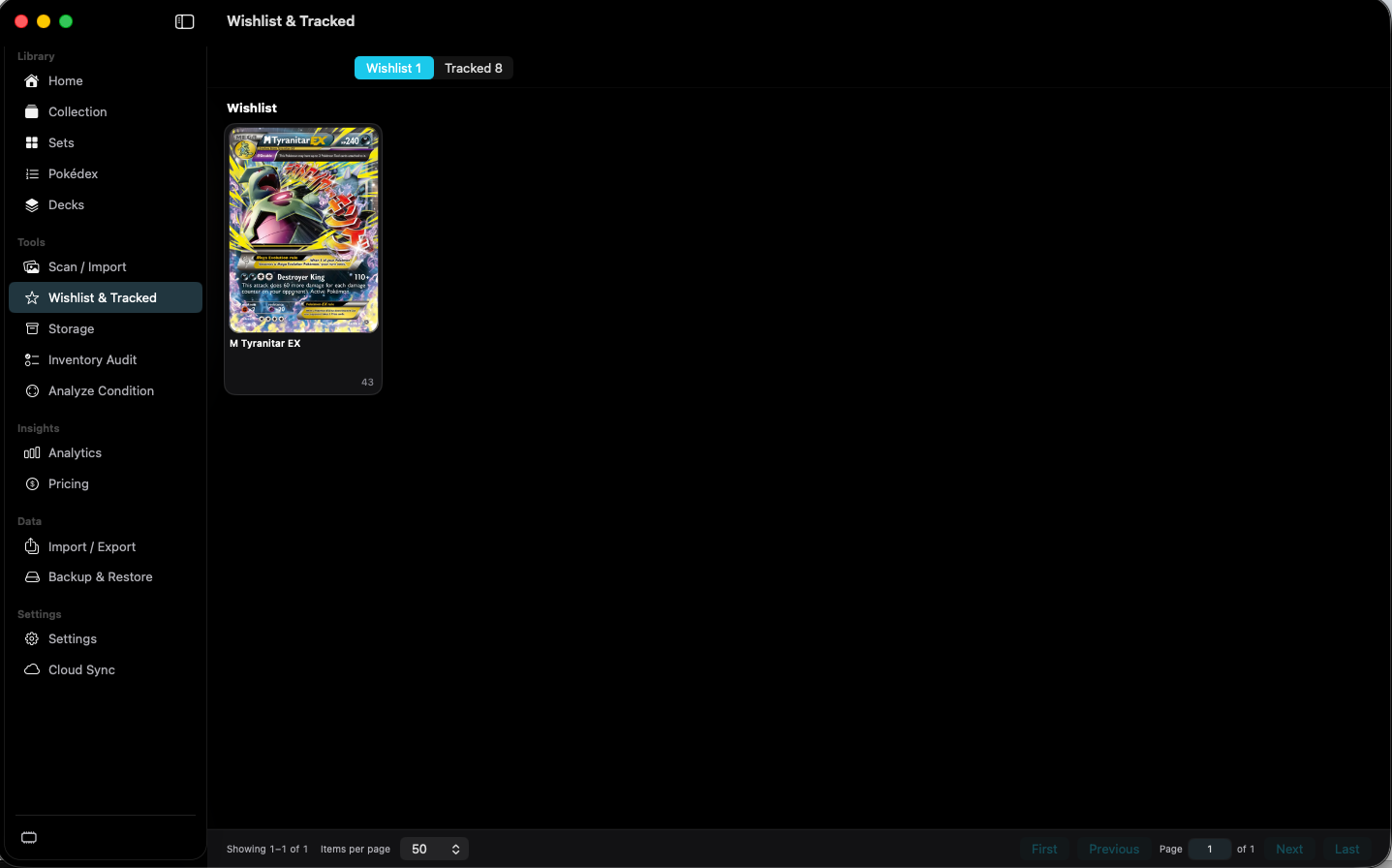
shot desktop-wishlist · seq 14 · assets/screenshots/original/desktop/0014.png
iPhone
shot iphone-wishlist · seq 129 · assets/screenshots/original/iphone/wishlist.png
Mac
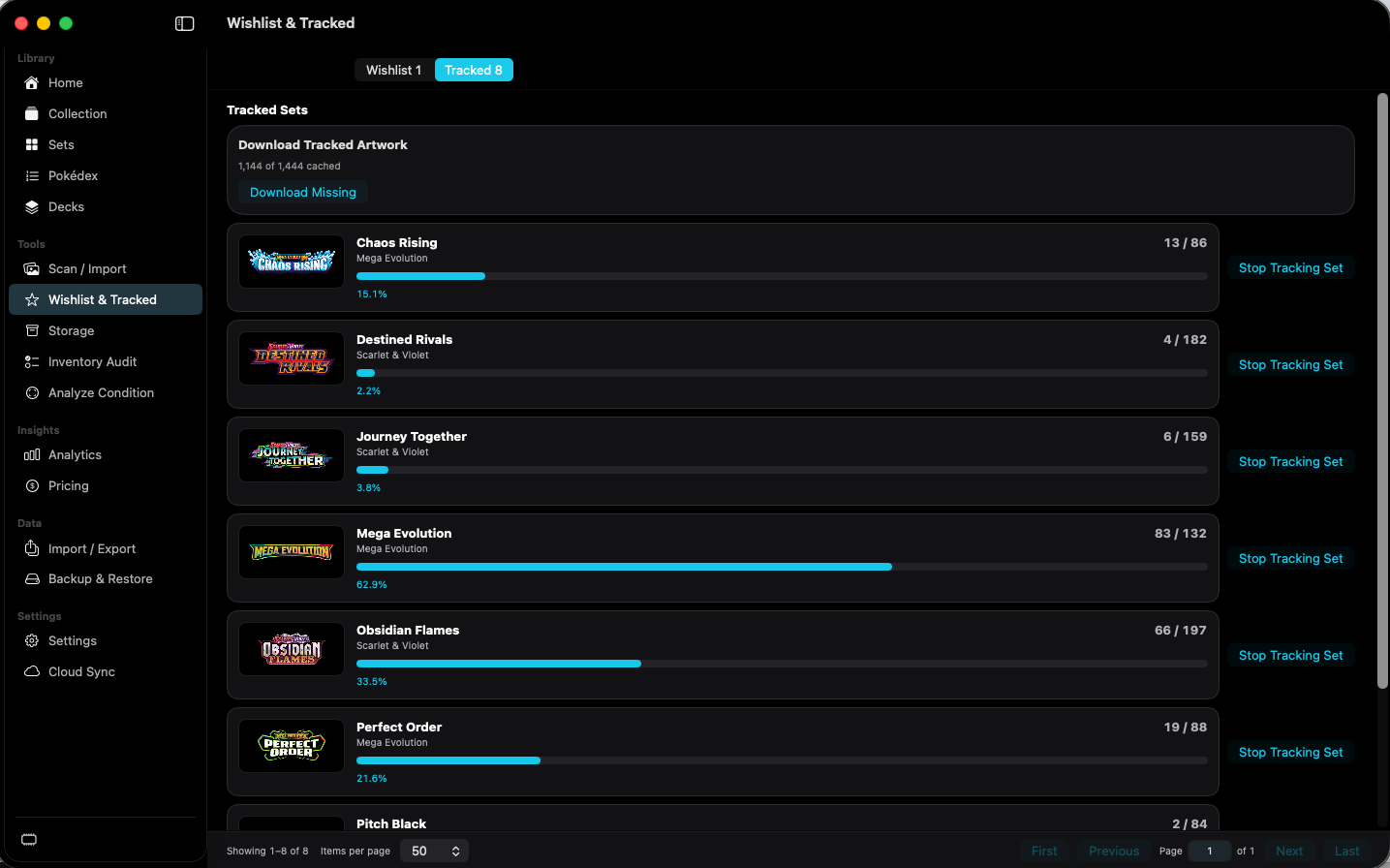
shot desktop-tracked · seq 15 · assets/screenshots/original/desktop/0015.png
iPhone
shot iphone-tracked · seq 130 · assets/screenshots/original/iphone/tracked.png
Additional platform screenshots will be added as this guide is expanded.
Switches between wished cards and tracked sets.
The capture shows Wishlist 1 and Tracked 8.
Downloads tracked-set artwork that is not cached.
The capture reads Download Tracked Artwork, 1,144 of 1,444 cached.
Stops tracking that set.
Each tracked set row has this button. The same action appears on Set Detail.
Give the collection somewhere to go next.