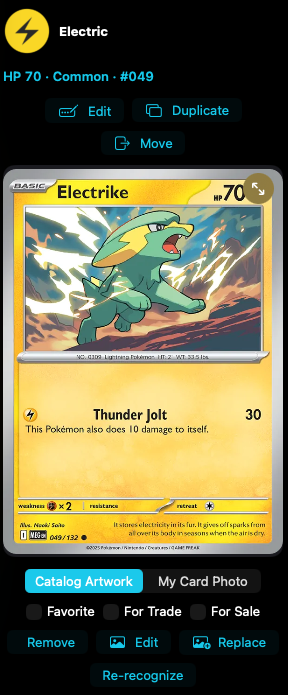
Artwork switchtoggle
Switches between catalog art and your photo.
Catalog Artwork and My Card Photo.
 Scott's TCG Binder
Card Details is the full record for one owned card.
Card Details is the full record for one owned card.
iPhone
shot iphone-card-detail · seq 103 · assets/screenshots/original/iphone/card-detail.png
iPhone
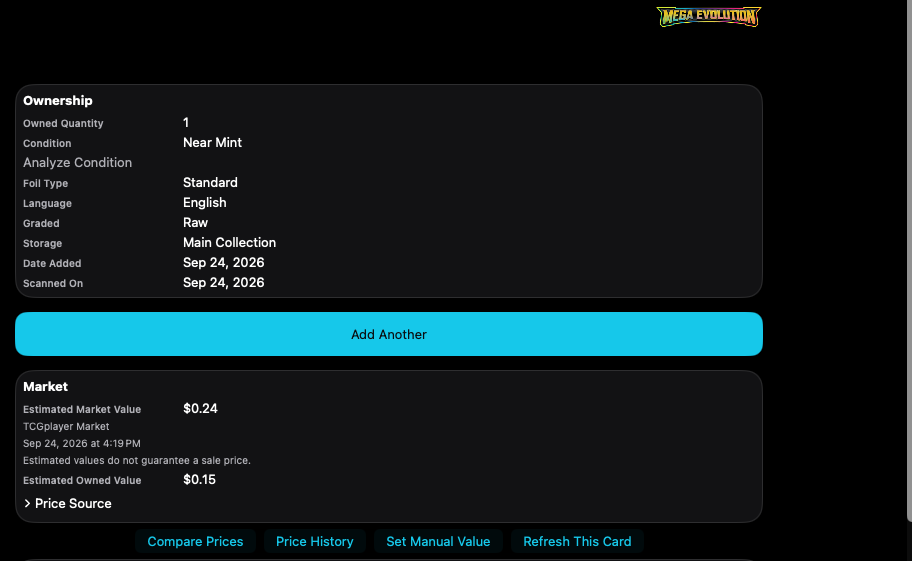
shot iphone-card-market · seq 104 · assets/screenshots/original/iphone/card-market.png
iPhone
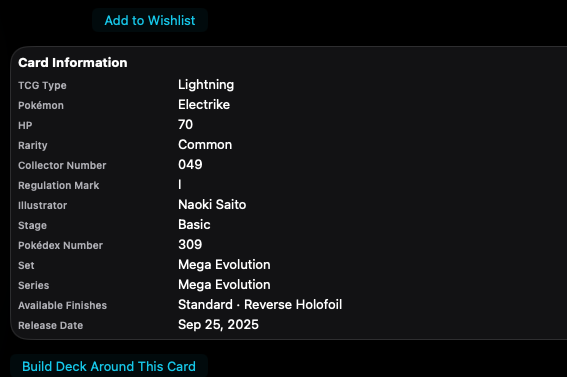
shot iphone-card-info · seq 105 · assets/screenshots/original/iphone/card-info.png
Additional platform screenshots will be added as this guide is expanded.
Switches between catalog art and your photo.
Catalog Artwork and My Card Photo.
Shows the copy you own.
Quantity, condition, analyze condition, foil, language, graded, storage, date added, and scanned on. Edit, Duplicate, and Move are above the art.
Shows estimated value and price actions.
Compare Prices, Price History, Set Manual Value, and Refresh This Card. The capture also lists Cardmarket, PriceCharting, TCGplayer, and eBay as price sources with Search.
Marks the card for lists and favorites.
These switches sit under the artwork. For Trade and For Sale feed the shareable exports.
Removes the owned card.
At the bottom of Card Details. Confirmation was not captured.
Not fully verified in the capture.
One place for the card and its collection context.